Xenia Manager
A comprehensive management tool for the Xenia Xbox 360 emulator. Simplify your gaming experience with automatic updates, patch management, and per-game configurations.
⚠️ Disclaimer: This project is not affiliated with the Xenia Team.
Main Features
1-Click Setup
Easy setup for Xenia with automatic profile creation.
Automatic Updater
Stay up-to-date with the latest Xenia builds automatically.
DLC & Updates
Easy management of DLC and game updates without launching Xenia.
Profile Management
Import, export, and edit Xenia profiles with automatic save backups.
Per-Game Profiles
Custom configuration profiles for each game in your library.
Dynamic Settings UI
Automatically adapts to Xenia's config file structure.
Steam Shortcuts
Creates Steam shortcuts with full artwork support.
Input Listener
Cross-platform keyboard/mouse input detection using Avalonia.
Save Management
Import/export game saves with XUID-based backup system.
Low Resource Usage
On-demand loading and caching for optimal performance.
Screenshots
Use arrow keys to navigate • Space to pause/play
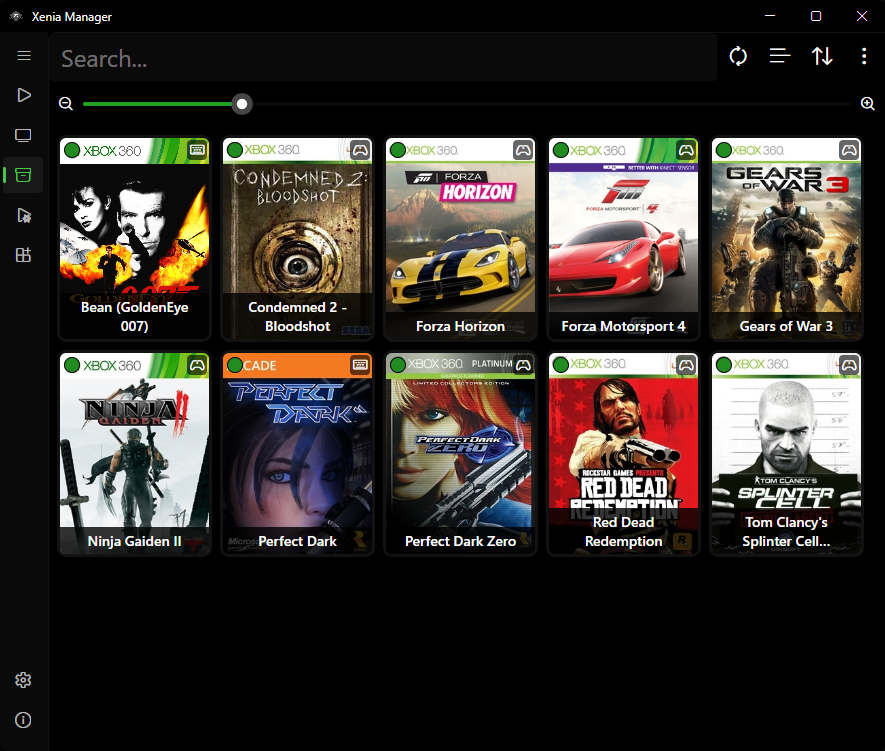
Game Library
Browse and manage your Xbox 360 game collection
Download
Quickstart
Get started with Xenia Manager in just a few simple steps.
Download
Get the latest release from GitHub
Install
Unzip and run XeniaManager.exe
Play
Follow the quickstart guide for setup
Contributing
We welcome contributions from the community! Whether you want to report bugs, suggest features, or help with development, there are many ways to get involved.
Report Issues
Found a bug or have a suggestion? Let us know!
TODO List
Check out our project board for upcoming features.
Community & Support
Get help, share feedback, and connect with the Xenia Manager community.
Translation Progress
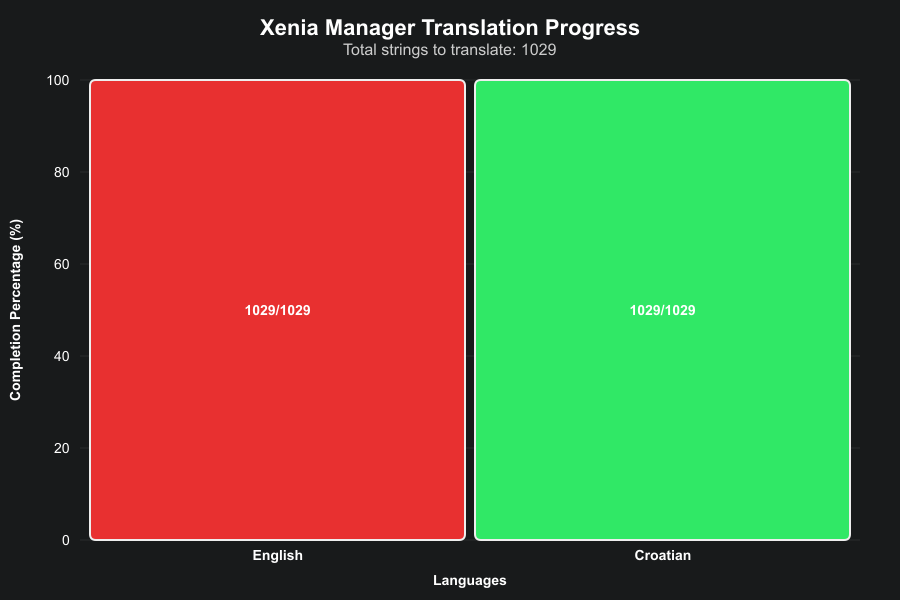
Xenia Manager is available in multiple languages. Help us translate the app to your language!