Design Philosophy
BigScreen recreates the feel of a modern console on your TV. These are the rules every screen follows.
One Focus
Exactly one thing is highlighted at all times. Move and the highlight moves. Confirm and it acts. Back and it steps out. Focus is never lost: closing anything returns you to where you came from.
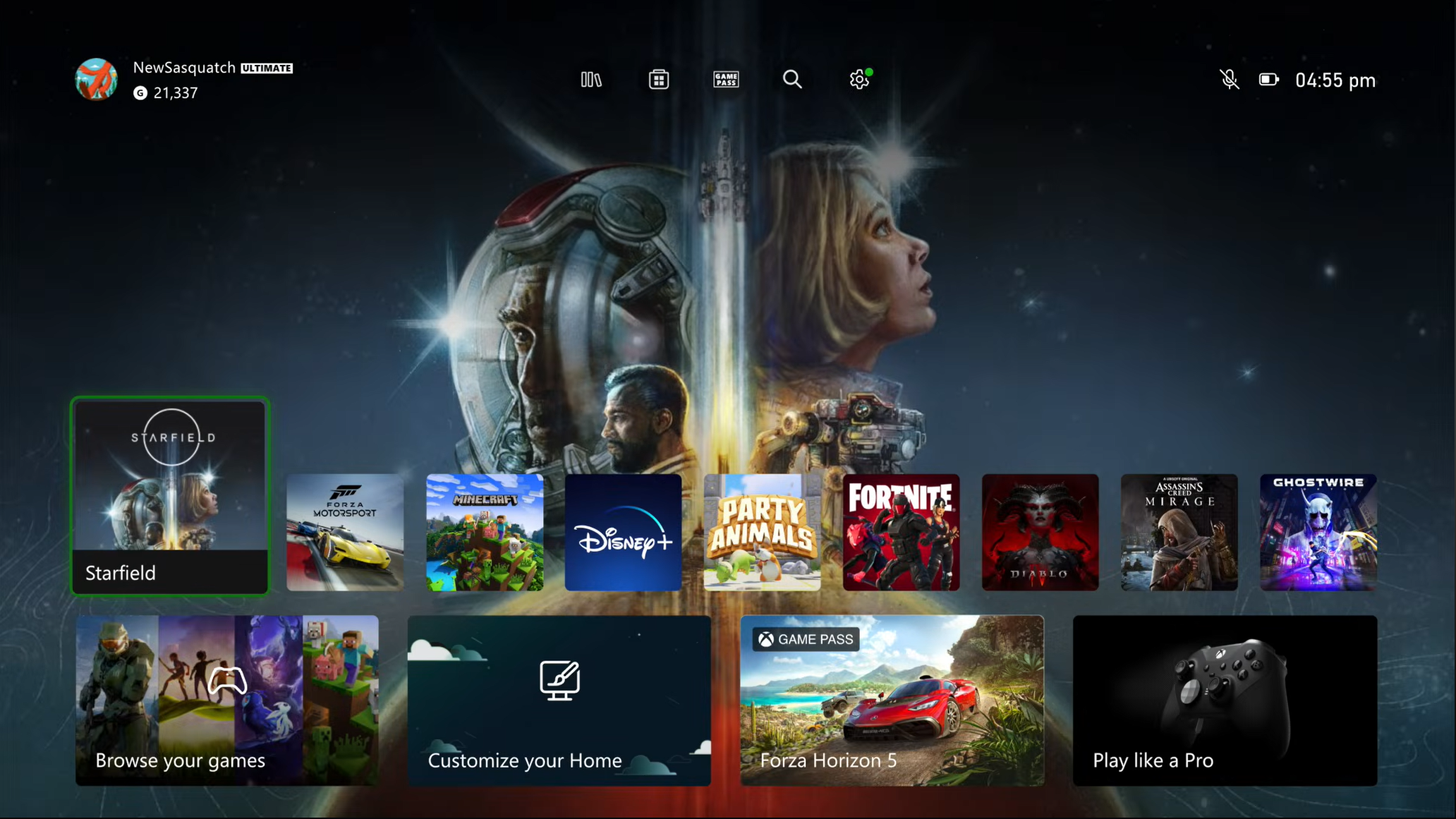 |
|---|
| Xbox Series - Game Selected |
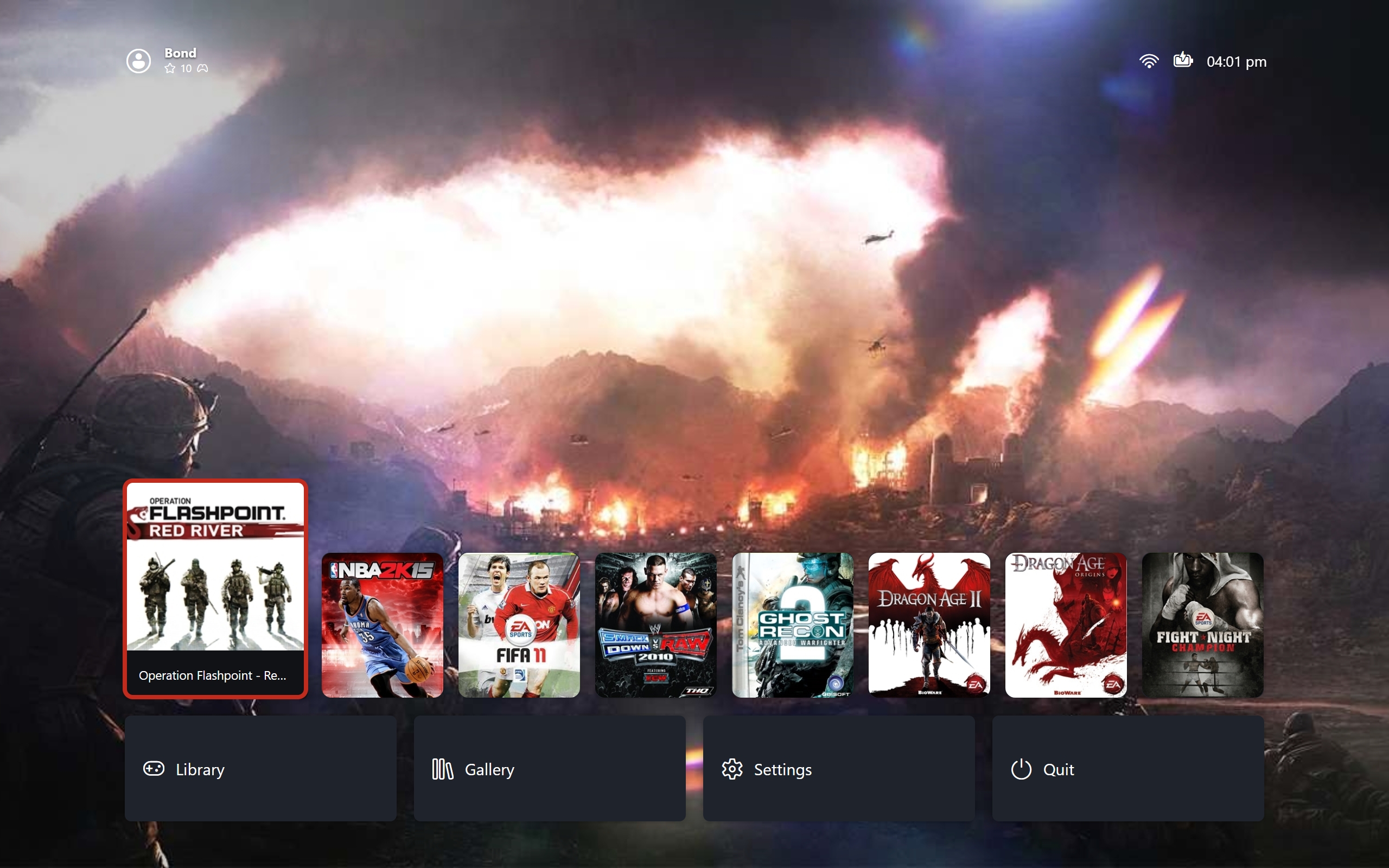 |
|---|
| Big Screen - Game Selected |
The selected card grows while its neighbours settle. Nothing else on the row changes size or position. Same moment with nothing selected:
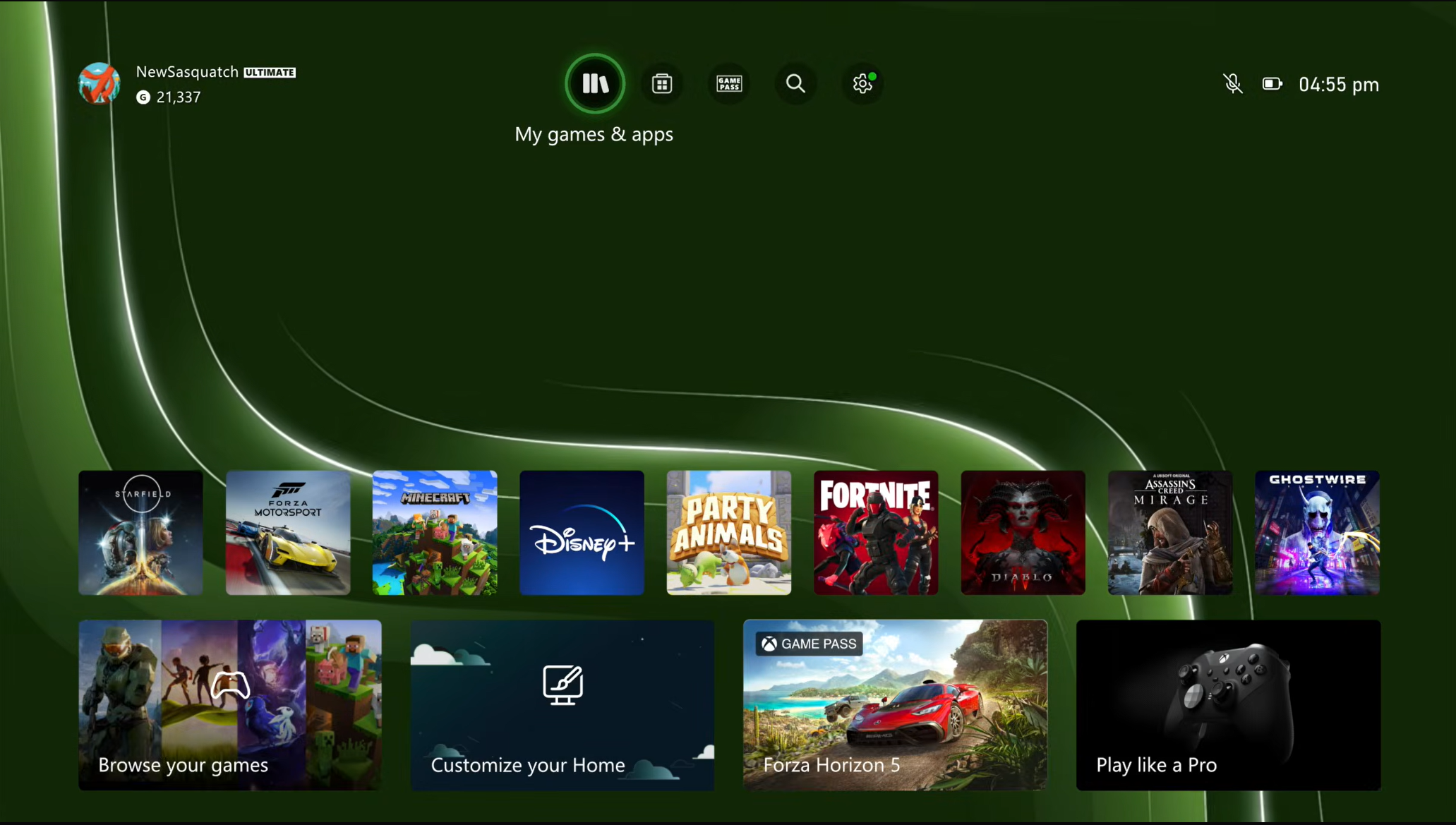 |
|---|
| Xbox Series - No Game Selected |
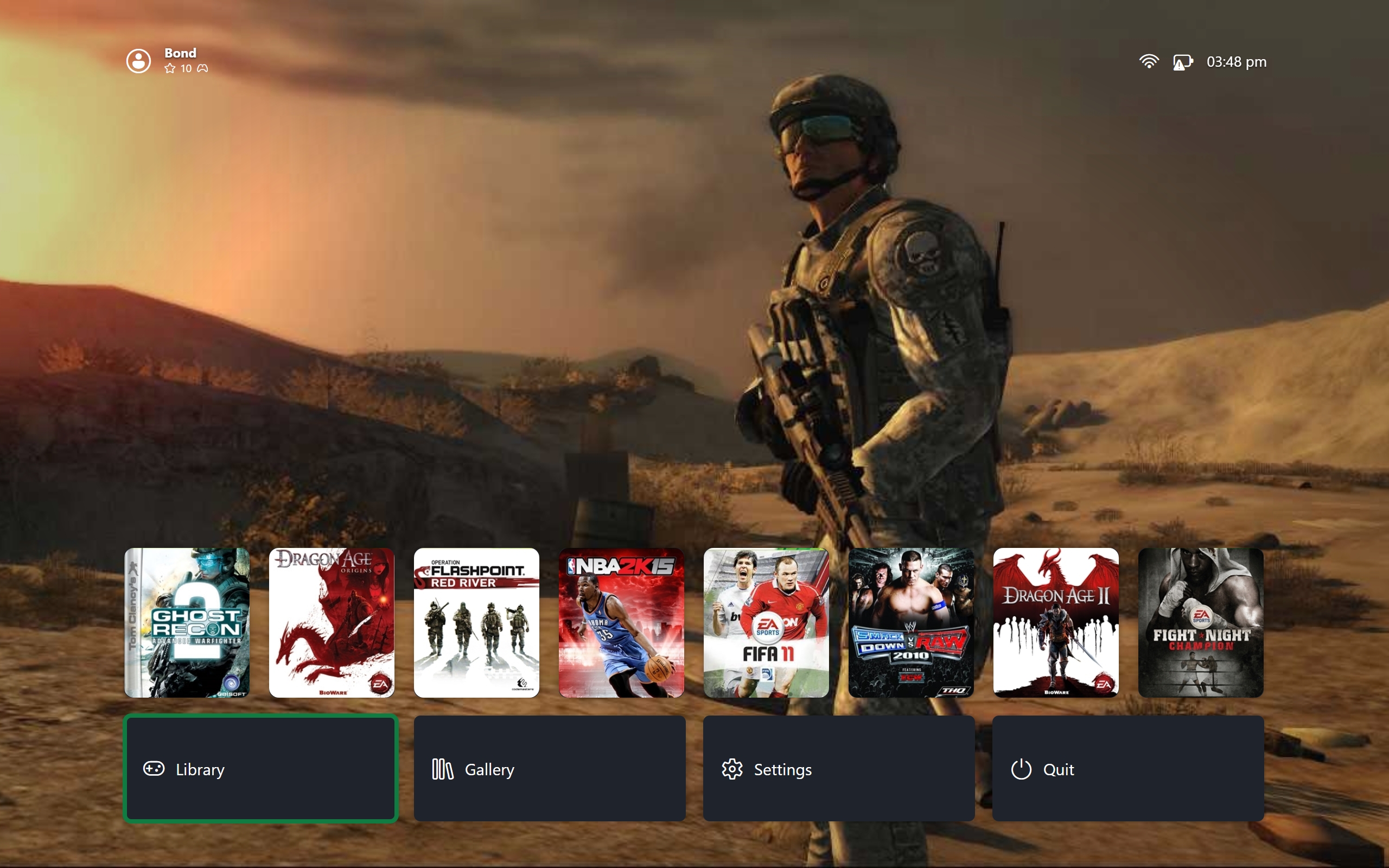 |
|---|
| Big Screen - No Game Selected |
Readable From the Sofa
One headline, one focused row, generous spacing. Body text never competes with artwork. If a screen needs a paragraph to explain itself, the layout is wrong.
No Waiting
Anything already on disk responds instantly. Opening a screen, sorting a list, or previewing a pane never shows a loader for local data. The slow work happens once at boot behind the splash screen. See Boot Sequence.
Gamepad First
Every action is reachable on a controller through a fixed vocabulary: move, confirm, back, start, sort, details, switch view. Mouse and keyboard mirror all of it but never unlock anything extra. Typing in a text field pauses keyboard routing, except Escape, which always exits; gamepad input still routes.
Forgiving by Default
Deleting anything always confirms first. Editors snapshot the original value on entry: confirming keeps it, backing out drops it without side effects. Leaving with unsaved edits asks to save, discard, or stay. No flow destroys data on a misclick.